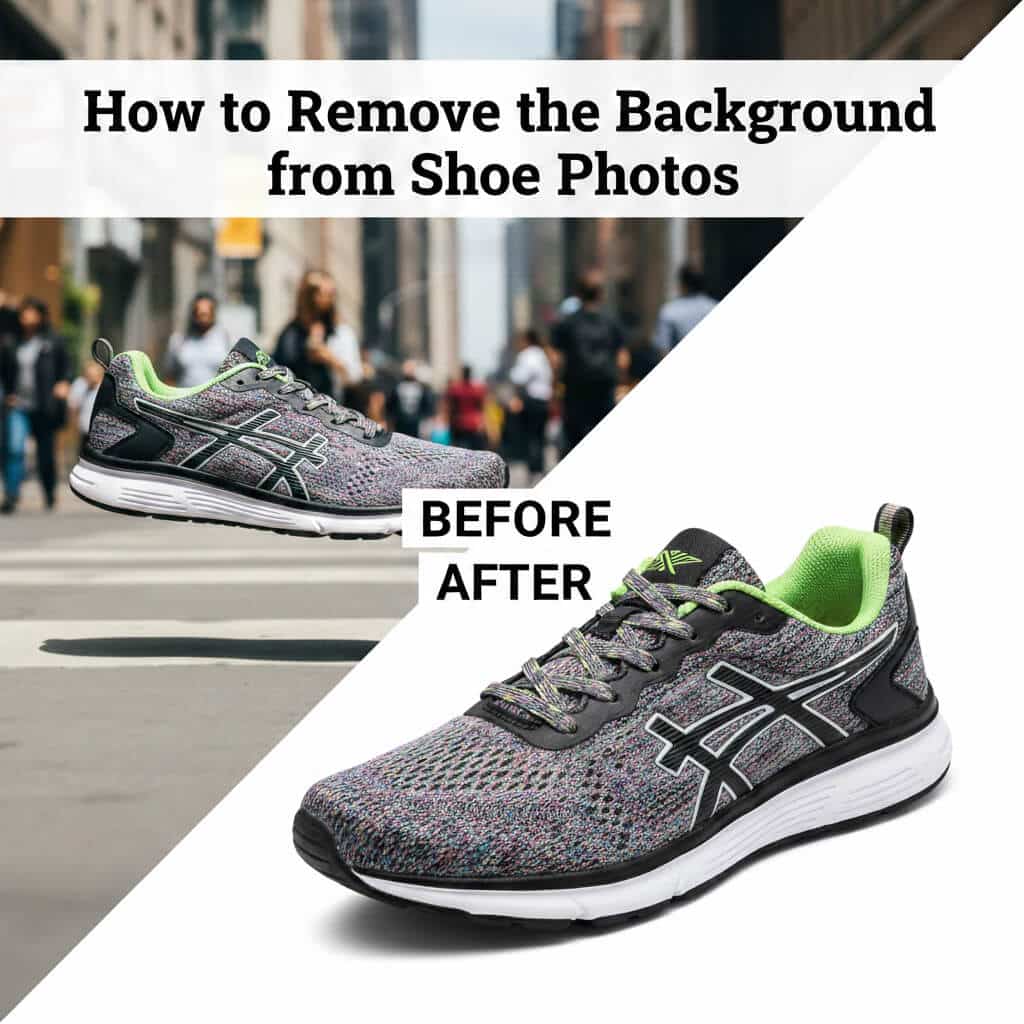
Imagine scrolling through an online store where every shoe image leaps out, crisp and distraction-free, making you want to click “add to cart” instantly. That’s the power of clean visuals in today’s digital marketplace. If you’re wondering how to remove the background from shoe photos, you’re in the right place. This skill elevates your footwear images, turning ordinary snaps into professional assets that drive sales and engagement.
Background removal strips away clutter, putting the spotlight squarely on the shoe’s design, texture, and details. For e-commerce sellers, this means complying with platform guidelines on sites like Amazon or Shopify, where transparent or white backgrounds are often required. Social media influencers use it to create eye-catching posts, while catalog designers achieve a uniform look across pages. Whether you’re a small boutique owner editing shoe product photography or a marketer optimizing footwear images for ads, mastering shoe background removal can boost trust and conversions.
In this guide, we’ll explore proven methods, from quick AI options to precise software techniques. I’ll share practical steps, tips, and tools to help you create stunning shoe image cutouts. Let’s dive in and transform your shoe photos into sales magnets.
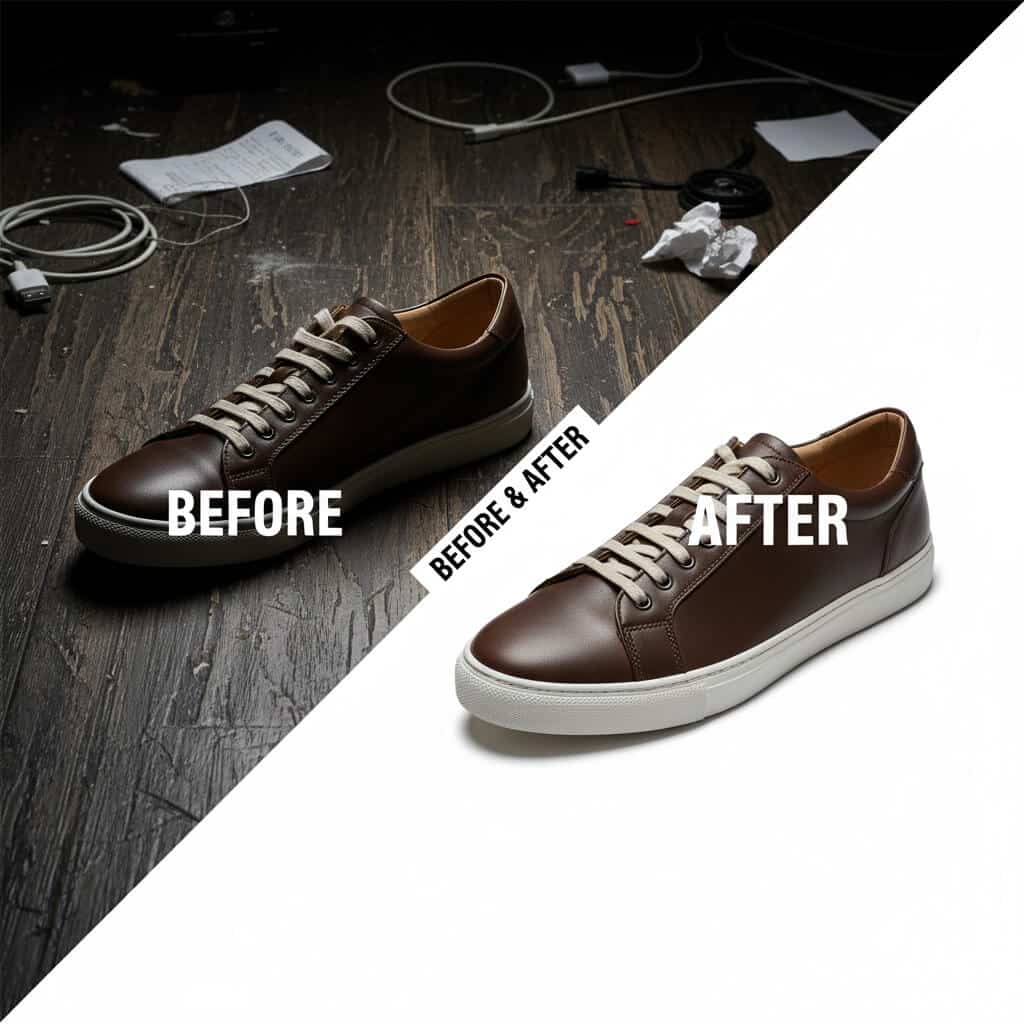
Why Background Removal Matters for Shoe Images
Clear shoe images build buyer confidence by showcasing every stitch, sole, and shade without distractions. When backgrounds vanish, the product becomes the hero, drawing eyes to what matters most. This focus sharpens the viewer’s perception, making colors pop and textures feel tangible.
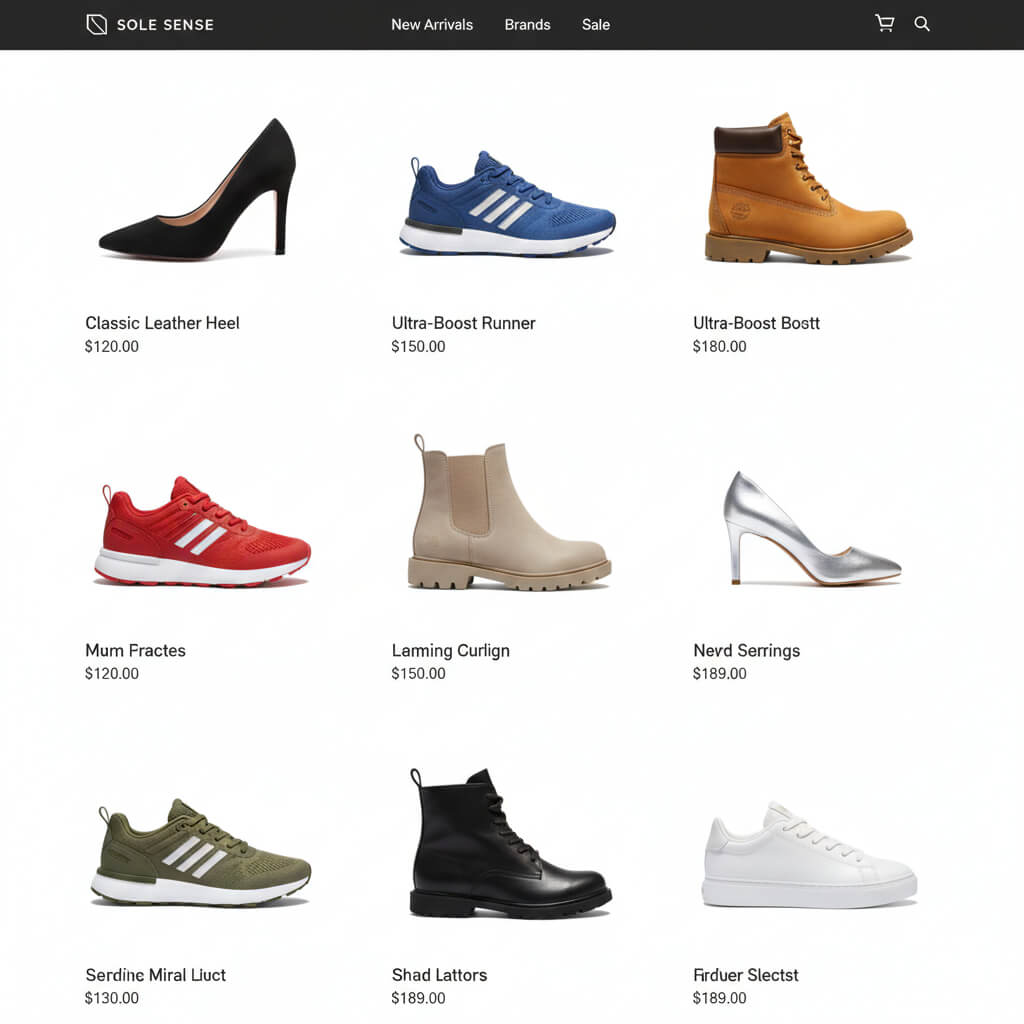
Consistency is key in branding. Uniform white or transparent backgrounds create a polished catalog or feed, signaling professionalism. For online stores, this cohesive style reinforces your brand identity, whether it’s sleek athletic wear or elegant heels.
Sales data backs this up: High-quality product images can significantly increase conversion rates, as shoppers feel more confident about their purchase. Removing backgrounds also speeds up site loading by reducing file complexity, improving user experience, and SEO rankings.
In competitive spaces like footwear, where details like laces or mesh define appeal, isolated images help customers visualize the item in their lives. This trust factor turns browsers into buyers, especially on platforms demanding clean e-commerce product images.
Best Methods to Remove Background from Shoe Photos
Choosing the right approach depends on your volume, skill level, and desired precision. AI tools excel for speed, while software offers control for intricate designs.
AI-Powered Online Tools (Fastest Method)
AI background removers use machine learning to detect edges and isolate subjects automatically. They analyze pixels, separating the shoe from its surroundings in seconds by recognizing shapes and contrasts.
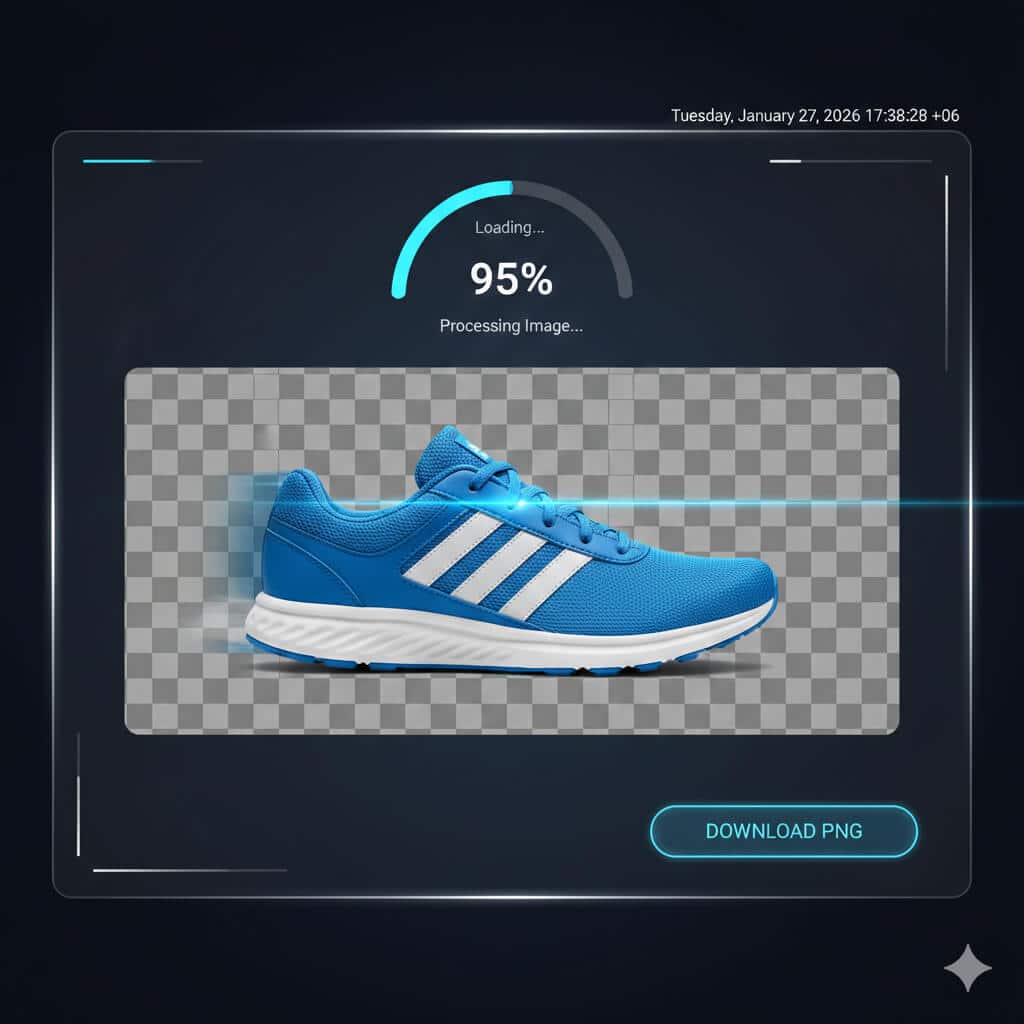
Opt for these when time is tight, like prepping social media posts or quick e-commerce uploads. They’re ideal for straightforward shoe photos without heavy shadows.
Popular options include Removal.ai, which processes images instantly and offers editing features like shadows. Fotor handles complex details with its magic brush for refinements. Slazzer focuses on bulk capabilities, while Simplified offers seamless integration with design workflows. These tools often provide free trials, making them accessible for beginners in shoe photo editing.
Graphic Design Tools (More Flexibility)
These platforms combine AI with creative edits, allowing one-click removals followed by background swaps or enhancements.
They’re perfect for marketing visuals, where you might add lifestyle elements post-removal. Canva stands out with its BG Remover, letting you drag in images and customize instantly. Similar tools like Adobe Express offer free high-quality outputs for transparent backgrounds.
For social media or catalogs, this flexibility turns a simple shoe image cutout into a branded graphic, boosting engagement.
Professional Software (Best for Precision)
Software like Photoshop blends AI assistance with manual tools for flawless results on tricky shoes.
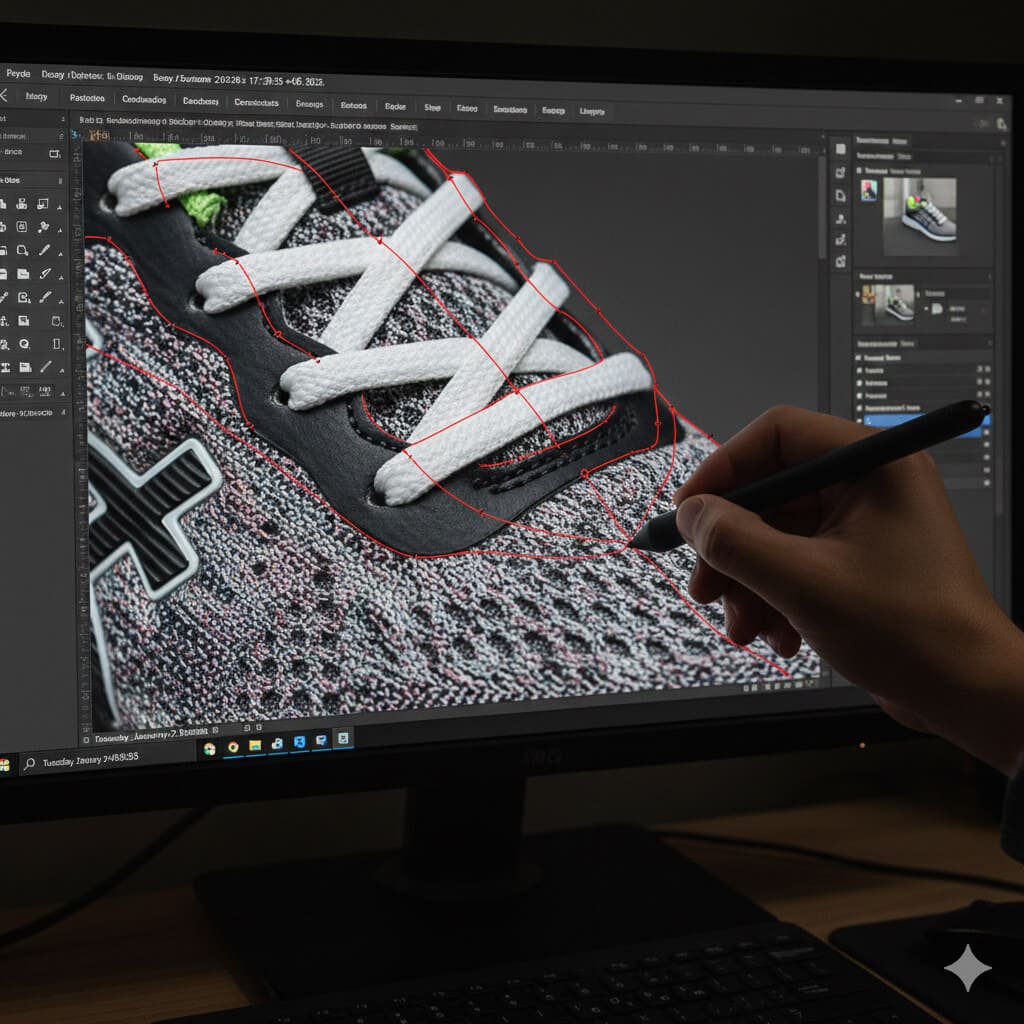
Manual selection trumps pure AI for elements like laces or reflections, where precision avoids jagged edges. AI-assisted features speed up the process but allow tweaks.
Photoshop’s Object Selection Tool uses AI to grab the shoe quickly, ideal for mesh or shadowed areas. Alternatives like Luminar Neo provide refinement brushes for pro-level footwear photo editing.
Step-by-Step: Remove Background Using AI Tools
Start by selecting a tool like Removal.ai or Fotor. Visit the site and locate the upload button.
Drag your shoe photo into the interface or browse your files to select it. The AI scans the image, identifying the shoe’s outline based on contrast and shapes.
In moments, the background disappears, leaving a transparent PNG. Preview for any artifacts, then use built-in brushes if needed to refine edges.
Download the file—opt for transparent for versatility or white for e-commerce standards. Batch options in tools like HitPaw FotorPea let you process multiple at once.
This method saves hours, delivering clean shoe image backgrounds online without software installs.
Step-by-Step: Remove Background Using Photoshop
Open your shoe image in Photoshop. Duplicate the layer to preserve the original.
For quick starts, use the Object Selection Tool: Hover over the shoe, click to select, then refine with the lasso for laces or soles.
Alternatively, the Pen Tool offers ultimate control. Zoom in, plot points along the edge, curving for smooth lines. Close the path, make a selection, and inverse to delete the background.
Refine edges via Select and Mask for feathering. Export as PNG to keep transparency, ensuring crisp product image isolation.
This approach shines for complex footwear, maintaining details like textures.
Batch Background Removal for Multiple Shoe Photos
Handling dozens of images manually drains time, but batch processing streamlines it for sellers with large inventories.
It’s essential for efficiency, cutting editing from hours to minutes, and maintaining consistency across catalogs.
Tools like Removal.ai support mass uploads, processing large numbers of images quickly. Photoroom and Cutout.Pro offers free batch removers tailored for e-commerce. Adobe’s Batch Background Remover plugin handles bulk in Photoshop.
For online stores, this means faster listings on Shopify or Amazon, with uniform white background product images boosting professionalism.
Common Challenges in Shoe Background Removal
White shoes on white backdrops confuse AI, blending edges and requiring manual tweaks to restore outlines.
Shadows and reflections mimic shoe parts, leading to incomplete removals. Solutions include adjusting lighting pre-shoot or using refinement brushes post-edit.
Fine details like laces or mesh often get clipped, creating fuzzy borders. Pro software’s pen tools or AI enhancers fix this by preserving textures.
Over-editing can halo the shoe, making it look unnatural. Avoid by feathering selections and adding subtle drop shadows for realism.
These hurdles are common in footwear photo editing but are solvable with practice and the right tools.
Tips for Best Results
Shoot against high-contrast backgrounds, like black for light shoes, to aid AI detection and reduce editing time.
Even lighting minimizes harsh shadows; use softboxes to diffuse light, preventing edge confusion during removal.
After cutting out, refine edges with brushes to smooth jagged lines, especially on textured soles.
For a natural look, add faint shadows under the shoe in post-edit—this grounds the image and enhances realism in e-commerce displays.
Clean shoes before shooting to avoid dust spots that complicate isolation.
Choosing the Right Tool for Your Needs
AI tools like Fotor suit small sellers needing speed over perfection, processing images in seconds for low-volume tasks.
Large e-commerce operations benefit from professional software like Photoshop for accuracy on detailed inventories, though it requires more skill.
Compare speed vs. accuracy: AI is faster (seconds per image) but may falter on complexities; software takes longer but delivers pro results.
| Tool Type | Speed | Accuracy | Best For |
| AI Online (e.g., Removal.ai) | High | Good | Quick edits, beginners |
| Graphic (e.g., Canva) | Medium | Medium | Marketing visuals |
| Pro Software (e.g., Photoshop) | Low | High | Complex shoes, pros |
Factor in costs—free AI options for starters, subscriptions for advanced features.
FAQs
How do I remove the background from shoe images online for free?
Upload to tools like Fotor or Simplified, click remove, and download the transparent file—quick and no cost for basics.
What’s the best AI tool for shoe background removal?
HitPaw FotorPea excels with batch support and refinements for laces and shadows, ideal for e-commerce.
Can I batch remove backgrounds from multiple shoe photos?
Yes, use Removal.ai or Photoroom for uploading groups, processing them automatically to save time.
How to handle shadows in the shoe photo background removal?
Shoot with even light, then add subtle drop shadows post-edit for a realistic float-free look.
Is Photoshop better than AI for complex shoe editing?
For intricate details like mesh, yes—its pen tool provides control AI might miss.
Final Thoughts
From AI-powered speed to Photoshop’s precision, the best methods for how to remove the background from shoe photos hinge on your needs. Start with online tools for fast results, scale to batch processing for volume, and refine with pro software for challenges like shadows.
For light workloads or novices, AI is the go-to; experts with heavy demands should invest in software. This approach ensures your shoe images shine, driving e-commerce success.